Install SonmiAI on Shopify
About 5 minutes. You need to be the store owner or a staff member who can install apps.
- Install the app. Open the install link (or SonmiAI SEO in the Shopify App Store once listed) and click Install. The app asks only for products, content, files, navigation, themes (read) and markets; never customers or orders.
- Open the store. If your store is password protected, turn the password off in Online Store → Preferences first; otherwise the audit only sees the password page.
- Scan & audit. Open SonmiAI in your Shopify admin and click Scan & audit store. Products, collections, pages and images are read and an audit starts.
- Switch on the app embed. When asked, open the theme editor: Online Store → Themes → Customize → App embeds, turn on SonmiAI SEO and save. Schema, Open Graph, speed and thin-page fixes work through it; your theme code is not changed.
- Approve fixes. Open the Fixes tab. Tick the fixes you want and click Approve & apply. A few items go first and are checked, then the rest.
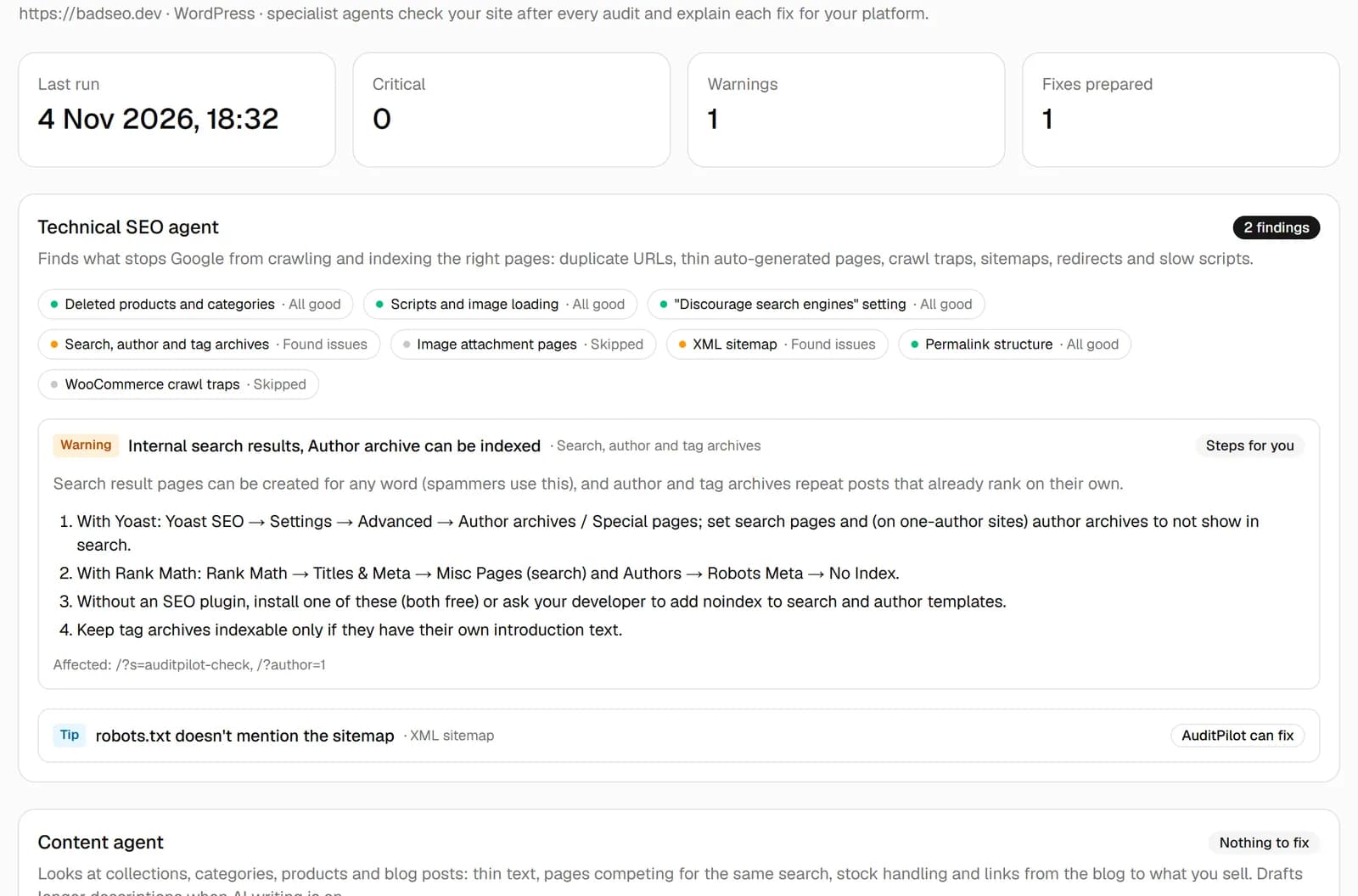
- Check the Agents tab. SEO agents list Shopify problems such as duplicate /collections/…/products/… URLs, thin /collections/all and tag pages, with ready-to-paste theme code where you need to edit it yourself.
Undo
The Changes tab lists every batch with an Undo button. Undo puts back the exact value each fix replaced. Uninstalling the app removes the app embed output; SEO text already approved stays in your products unless you undo it first.
Billing and the web dashboard
Paid plans from the App Store are billed by Shopify on your Shopify bill. For AI visibility, keywords and reports, open Account & plan and create a one-time access link to sign in at app.sonmiai.com.
Common problems
- Scores look very low and pages are "missing": the store password is still on.
- Schema or Open Graph fixes don't show: the app embed is switched off in the theme editor.
- "Plans for this store are bought on the website": private installs can't use Shopify billing; pick the plan at app.sonmiai.com.
Still stuck? Contact us with your myshopify.com address.